A teleprompter is a screen lying flat under a sheet of glass that is angled at 45 degrees in front of a camera. The glass reflects the text up to your eyes while the camera films straight through it, so you read the script while looking into the lens. You can build one in an afternoon with a tablet or phone, a sheet of glass or clear acrylic, a cardboard box and black cloth, and run the text on a free online teleprompter with Mirror switched on.
What you need
- A display: a tablet or a large phone for the text. A tablet gives bigger, easier-to-read lines.
- A camera: your phone, a webcam or a camera that will film through the glass.
- Glass: a sheet roughly the width of your display. Options, from best to simplest:
- Beam-splitter glass, sold for teleprompters, reflects more and shows one clean image.
- Clear acrylic sheet, light and safe.
- Glass from a picture frame, cheap; tape the edges.
- A hood: a cardboard box, foam board or black card to hold the glass at 45 degrees.
- Black cloth or card to block light behind the glass around the lens.
- Tape, a craft knife and a ruler.
Build it
- Make the base. Cut a box or fold card so the display can lie flat, screen up, in front of the camera.
- Cut the 45-degree sides. On two side panels, draw a diagonal from the bottom front to the top back. The glass will rest along these lines.
- Fit the glass along the diagonal so it leans away from you, from just in front of the display up towards the camera lens. Tape it firmly.
- Make the camera hole. Behind the glass, mount the camera so the lens looks through the centre of the glass, towards where you will sit.
- Black out around the lens. Wrap the space between the glass and the camera in black cloth or card. Without it, light from behind shows on the glass and the reflection of the text fades.
- Test the angle from your seat. You should see the text clearly in the glass, and the camera should see you through it without the box edges.
Set up the text
- Open the online teleprompter on the tablet and paste your script.
- Turn on Mirror (press M). The reflection flips the text, so mirroring it on the screen makes it read normally.
- Make the text large and the column narrow, around five to eight words per line.
- Go full screen (F), set the brightness high and lay the tablet flat under the glass.
- Start with a steady speed, or choose Voice so the text moves only as you talk. If the tablet is too far away to touch, a Bluetooth keyboard or a presentation clicker can start and pause it.
Fixing common problems
- Double image: plain glass reflects from both surfaces. Beam-splitter glass or thinner acrylic reduces it; so does a darker room around the display.
- Faint text: raise the screen brightness and block more light behind the glass.
- Reflections of the room in the shot: shade the front of the glass with a black hood.
- Glare on camera: tilt the camera very slightly, or move lights so they do not hit the glass directly.
- Hard to read: increase the text size and narrow the column; reading pace is covered in teleprompter reading speed.
When you do not need glass
A glass rig is worth it for long scripts and camera work at a distance. For webcam and phone videos, a simpler setup is often enough:
- On a laptop, shrink the teleprompter window to a narrow strip directly under the webcam. At normal distances viewers cannot tell you are reading.
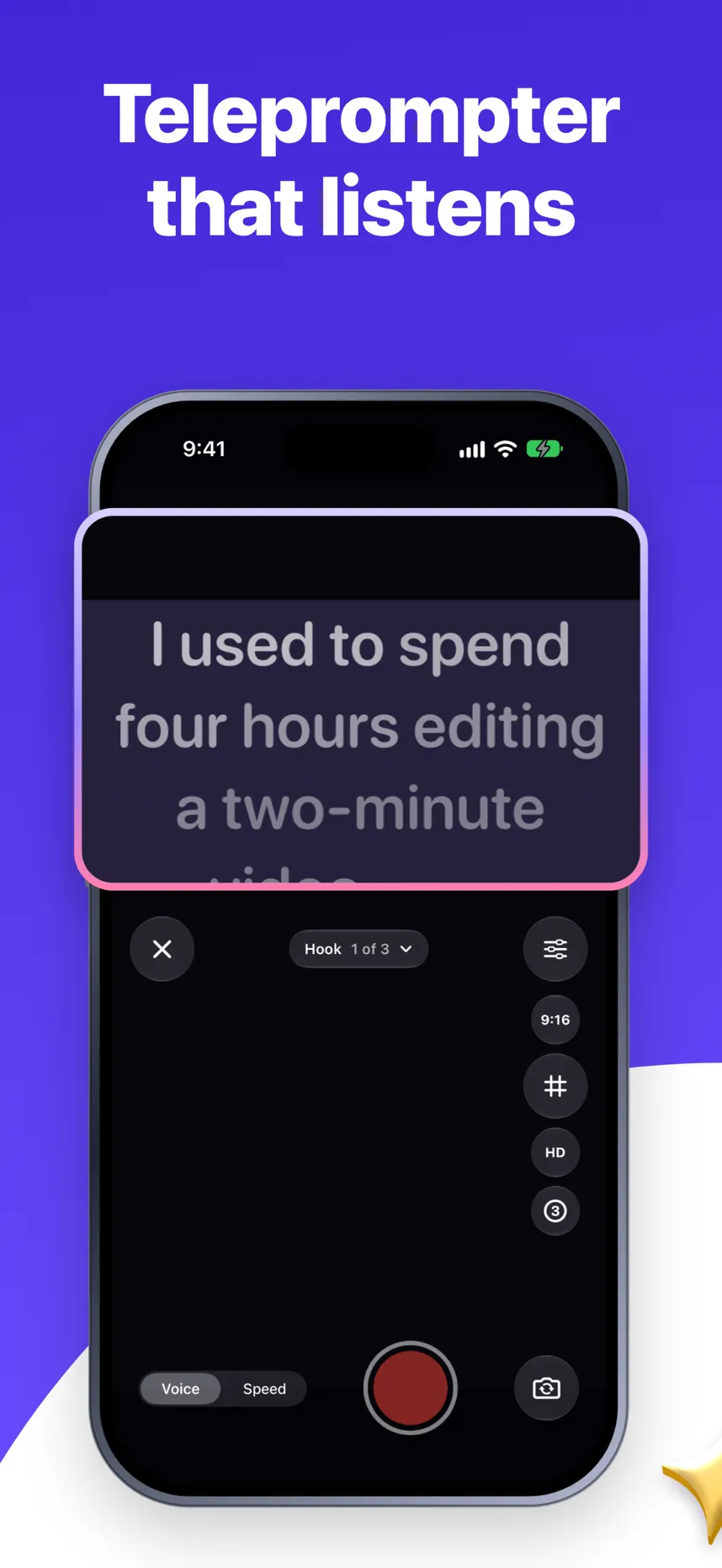
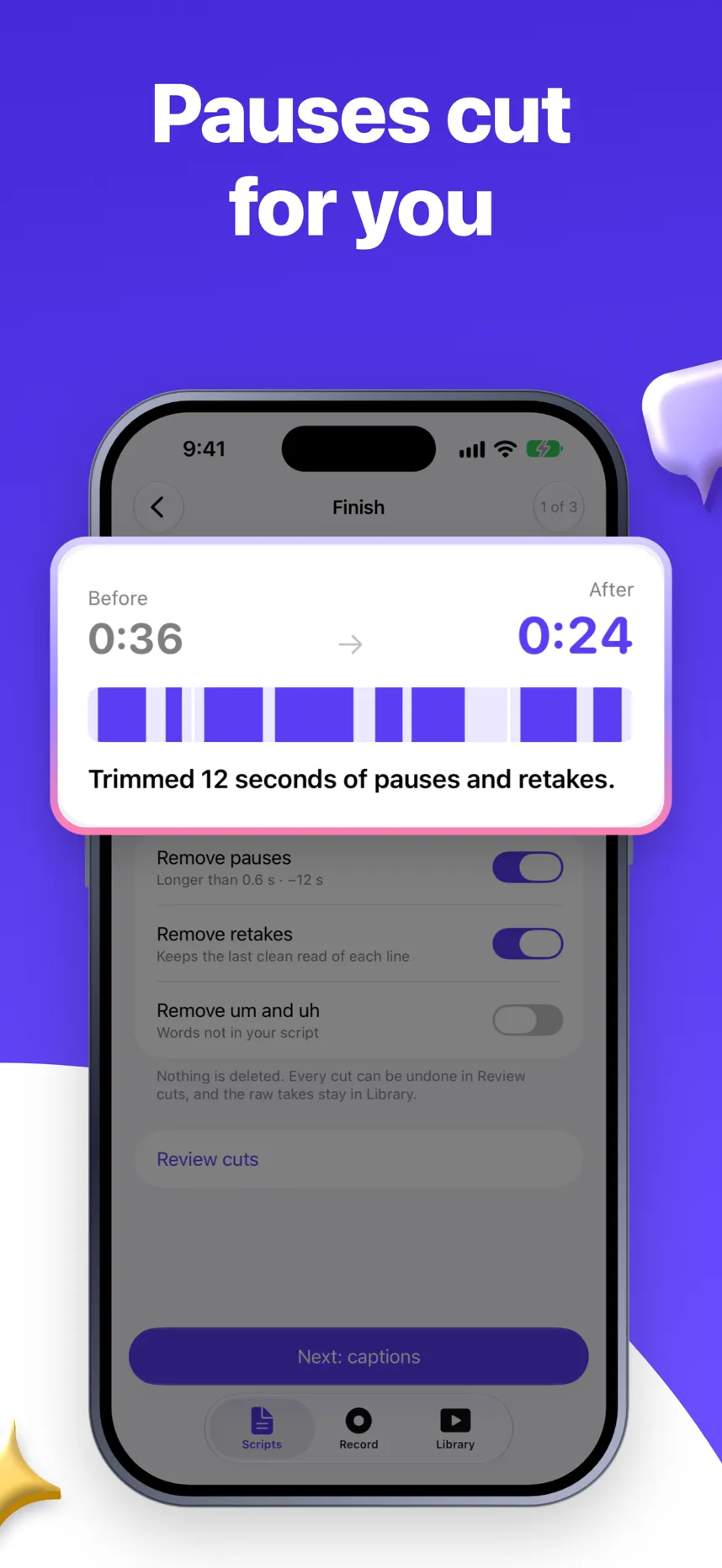
- On a phone, an app that shows the script right under the front camera keeps your eyes on the lens without any hardware. Cue for iPhone and iPad does this while it records you, follows your voice on the device, and later cuts pauses and retakes and adds captions spelled from your script.
Whichever setup you use, a script written for speaking makes the biggest difference; see how to write a script for a video.