To write a script for a video, decide the one idea the viewer should leave with, hook them in the first lines, make a few clear points, and end with a single call to action. Then read it aloud and rewrite every line you trip over. A script is written for the ear, not the eye: short sentences, everyday words and a rhythm that sounds like you talking.
Step 1: decide the one takeaway
Write one sentence that says what the video is for: “After watching, viewers know how to reset their router” or “Viewers want to try our free trial”. Every line of the script should serve that sentence. Anything that does not, cut.
Step 2: outline before you write
A simple structure works for most short videos:
| Part | Share of the video | Job |
|---|---|---|
| Hook | First 5 to 10 seconds | Give a reason to keep watching |
| Context | A few sentences | Who you are, why this matters |
| Main points | Most of the video | Three or fewer clear points, in order |
| Recap | One or two sentences | Repeat the takeaway |
| Call to action | Last sentence or two | One thing to do next |
Step 3: write the hook
The opening decides whether people stay. Good hooks:
- Promise the result: “In two minutes you’ll know exactly which cable to buy.”
- Name the problem: “If your videos sound fine but look awkward, it’s probably your eyes.”
- Start in the middle: show the finished result first, then explain.
Avoid long introductions and “Hi guys, welcome back to my channel” before you have said why anyone should care.
Step 4: write the way you speak
- Short sentences. One idea each. Long sentences run you out of breath.
- Contractions: “you’ll”, “it’s”, “don’t”. Without them you sound like a press release.
- “You” and “I”, not “one” or “the user”.
- Everyday words. “Use”, not “utilise”. “Help”, not “facilitate”.
- Numbers as you say them. “About two hundred”, not “~200”.
- Spell out tricky names the way they sound, in brackets if needed, the first time you rehearse.
Step 5: read it aloud and cut
Read the whole script out loud, ideally while recording on your phone. Mark every place you stumble, run out of breath or sound stiff, and rewrite those lines. Most first drafts lose a fifth of their words here, and the video gets better for it.
Step 6: time it
At a natural pace people speak roughly 130 to 160 words per minute. Use that to size your script:
| Video length | Script length |
|---|---|
| 30 seconds | about 70 words |
| 1 minute | about 140 words |
| 3 minutes | about 420 words |
| 5 minutes | about 700 words |
| 10 minutes | about 1,400 words |
The online teleprompter shows the word count and an estimate as you paste. For pacing on the prompter itself, see teleprompter reading speed.
Step 7: format it for the teleprompter
- Plain text, no tables, bullet symbols or headings.
- One idea per paragraph, with a blank line between paragraphs as a natural breath.
- Cues in square brackets, such as
[pause],[smile]or[show product]. The Cue teleprompter shows them as cues, not as words to read. - Big text, narrow column: five to eight words per line.
Step 8: rehearse once, then record
Read through once at full speed before recording. Then record in short sections if you like; each paragraph can be its own take. Look at the lens, not the words, between lines. The hub guide on reading a script on camera naturally covers delivery in more depth.
Record it with Cue
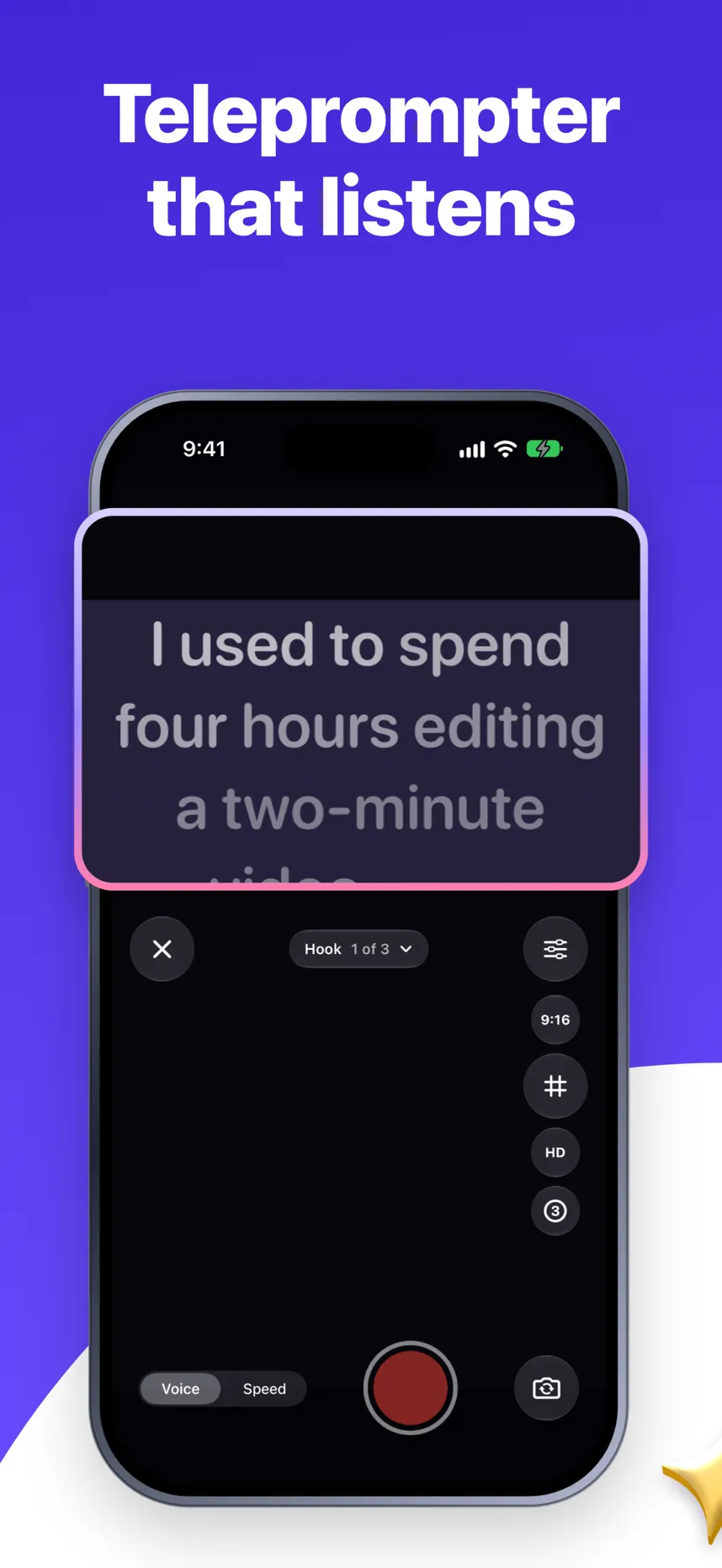
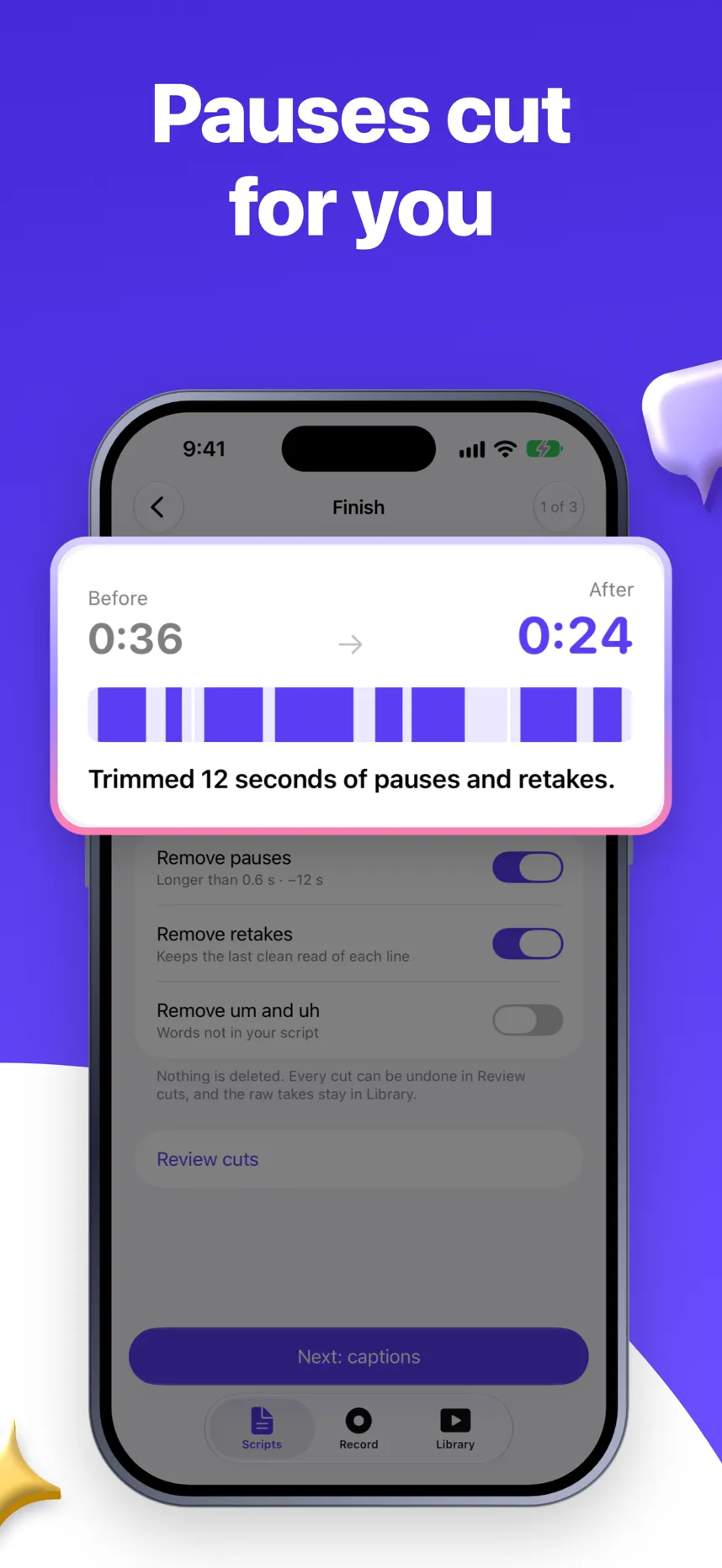
The free online teleprompter runs your script in the browser and can follow your voice. Cue for iPhone, iPad and Mac also films you with the script under the lens, and Cue Studio cuts pauses and retakes and adds captions spelled from your script.