A teleprompter should scroll at the speed you naturally speak, which for most people is roughly 130 to 160 words per minute. The right setting is the one where you never wait for the next line and never chase it. Start slower than feels right, read a full paragraph aloud, and raise the speed a step at a time. If your delivery still sounds rushed, the problem is usually the line length or the script, not the speed.
Typical speaking rates
| Context | Approximate pace |
|---|---|
| Careful explainer, new terms, older audience | 110 to 130 words a minute |
| Presentation or webinar | 120 to 150 words a minute |
| Conversational video, talking head | 140 to 160 words a minute |
| Energetic social clip | 160 words a minute and up |
These are rough ranges; individual voices vary a lot. The best number is yours: read a 140-word paragraph with a timer and see how long it takes.
Script length from speaking rate
Minutes = words ÷ words per minute. At 140 words a minute:
| Words | Time |
|---|---|
| 70 | 30 seconds |
| 140 | 1 minute |
| 420 | 3 minutes |
| 700 | 5 minutes |
The online teleprompter shows the word count and a reading time at about 140 words a minute as soon as you paste. For a calculator with any pace, the speech time calculator on speak.cihat.dev does the maths.
Setting the speed
- Paste the script and set the text size first. Speed only makes sense once the lines are the right length.
- Start low. On Cue’s web teleprompter, the speed runs from 1 to 10; start around 3 or 4.
- Read a whole paragraph aloud, as if recording.
- Adjust while it runs with the arrow keys. If you finish lines and wait, go faster; if the line leaves before you finish it, go slower.
- Change speed between sections if the script changes pace, for example slower for a list of steps.
Text size and line length matter more than speed
- Five to eight words per line. Narrow lines keep your eyes near the lens. Wide lines make your eyes sweep, and viewers notice.
- Large text. You should read comfortably from where you sit without leaning in.
- The reading line near the top, close to the camera, so your gaze stays on the lens.
Set the width to around half and increase the text size until a line holds five or six words.
Why voice scrolling feels more natural
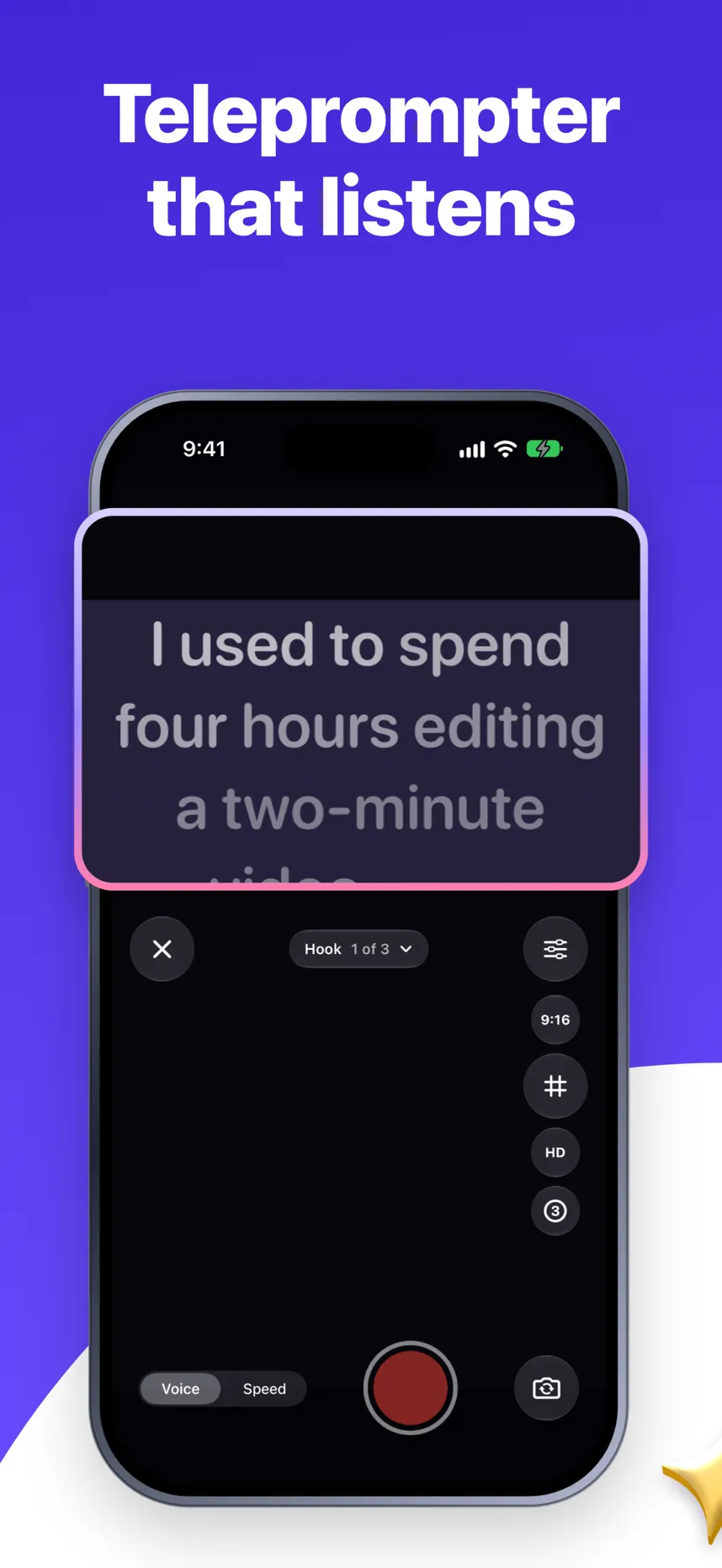
A fixed speed forces you to keep up with the machine. Natural speech speeds up and slows down: you pause for effect, you slow down on a key point, you breathe. Voice scrolling moves the text only as you say the words, so the prompter follows you instead. On the online teleprompter, choose Voice in Chrome, Edge or Safari. Cue for iPhone, iPad and Mac does this with speech recognized on the device, waits when you pause and goes back when you repeat a line.
If you still sound rushed
- Rewrite long sentences. If you run out of breath, the sentence is too long. See how to write a script for a video.
- Add pauses as cues in square brackets, such as
[pause], after key points. - Rehearse once before recording.
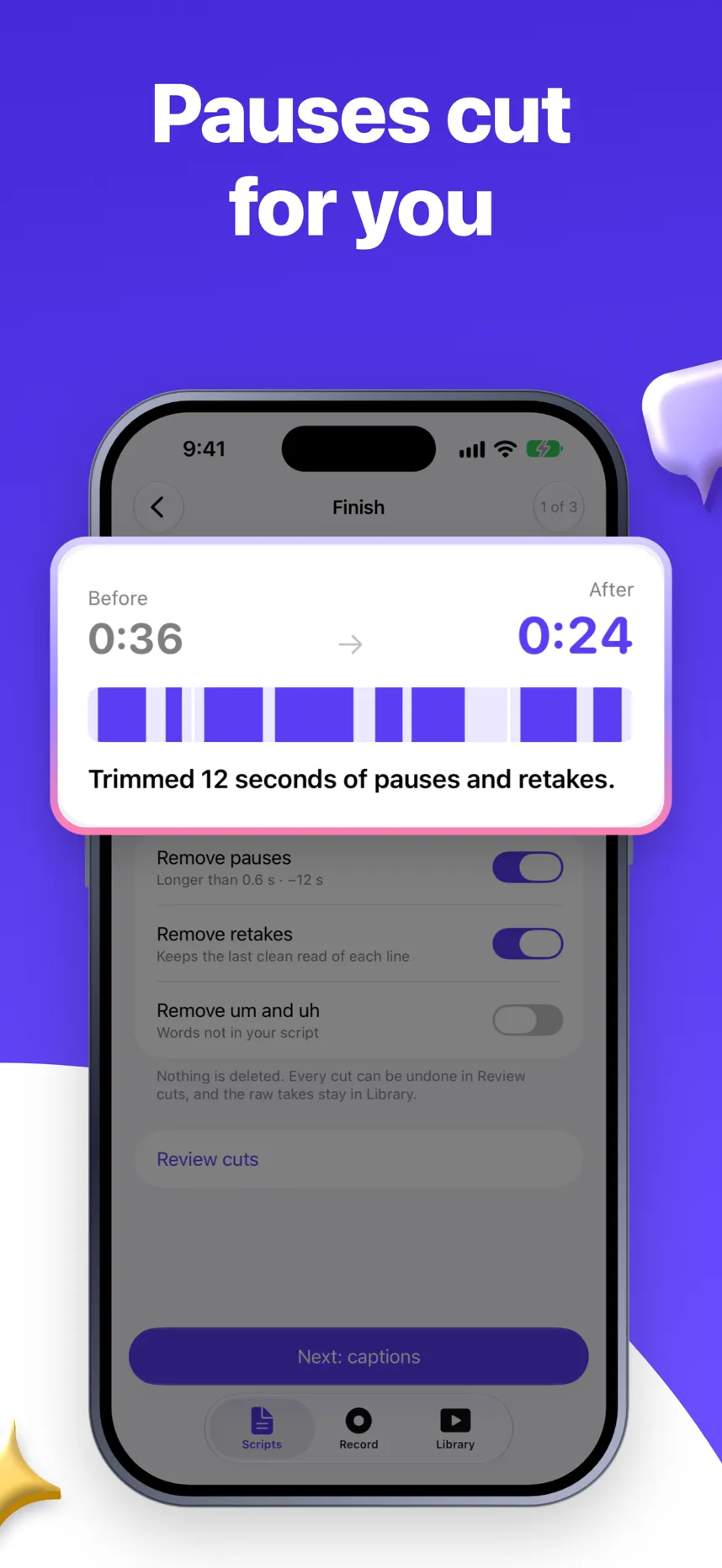
- Record in sections, one paragraph per take, and join them later.